
Free Invoice Templates
An invoice template is a pre-built layout you fill in to bill a customer: your details, the client, an invoice number and dates, a table of items with quantities and prices, and the total due. Every template here is free and needs no account. Download it for Excel with working formulas, for Word, or as a blank PDF to print, or open it in the online generator with typical lines already filled in.
General invoice template
A plain layout that suits most small businesses. The Excel version adds up every line, the subtotal, your tax and the total.
Invoice templates by file format
Pick the program you already use. Each format page explains how to edit, save and send the file.
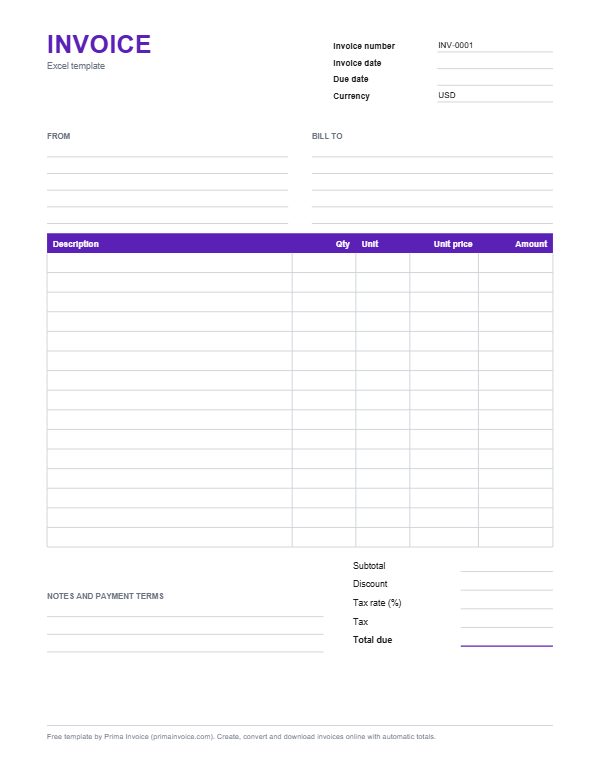
Invoice Template for Excel
An .xlsx workbook with live formulas for line totals, subtotal, discount, tax and total. No macros.
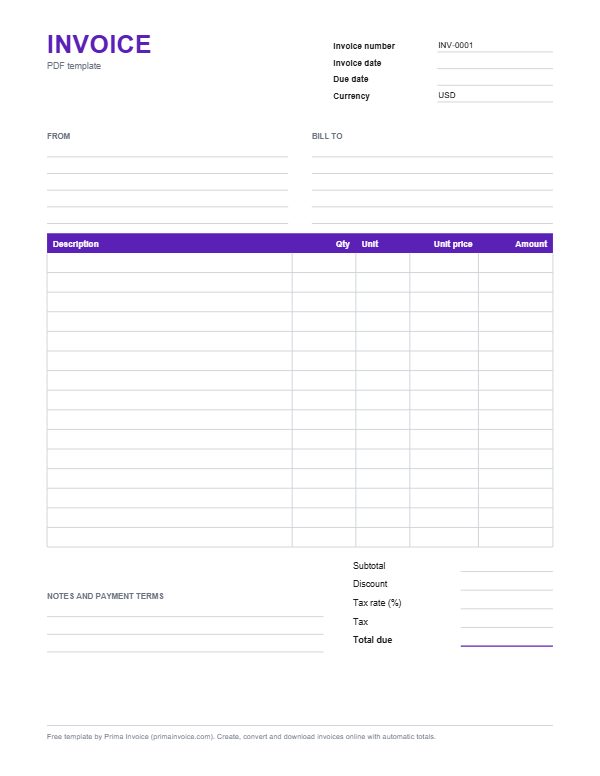
Printable PDF Invoice Template
A blank, printable and fillable PDF invoice form, plus the option to generate a finished PDF online.
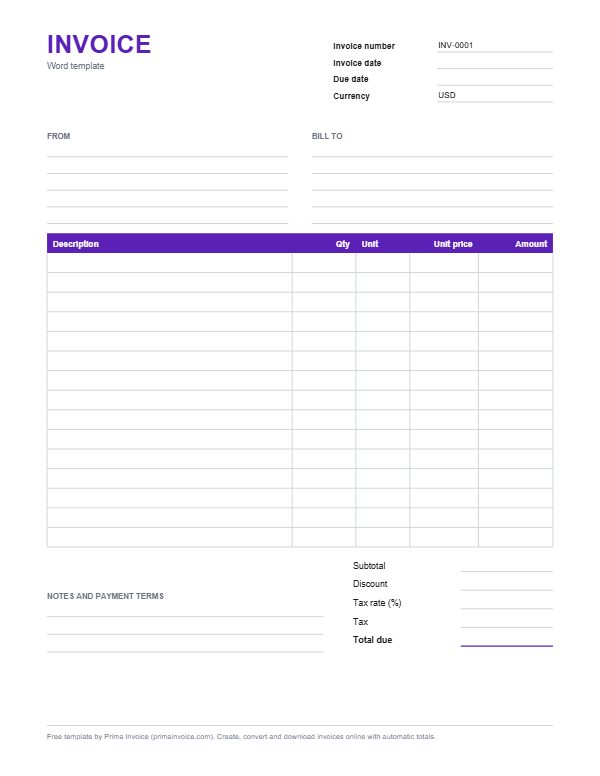
Invoice Template for Word
An editable .docx invoice with item table, totals block and payment terms, ready for your logo and prices.
Receipt, quote and estimate templates
The same layout for the other documents you send before and after an invoice.
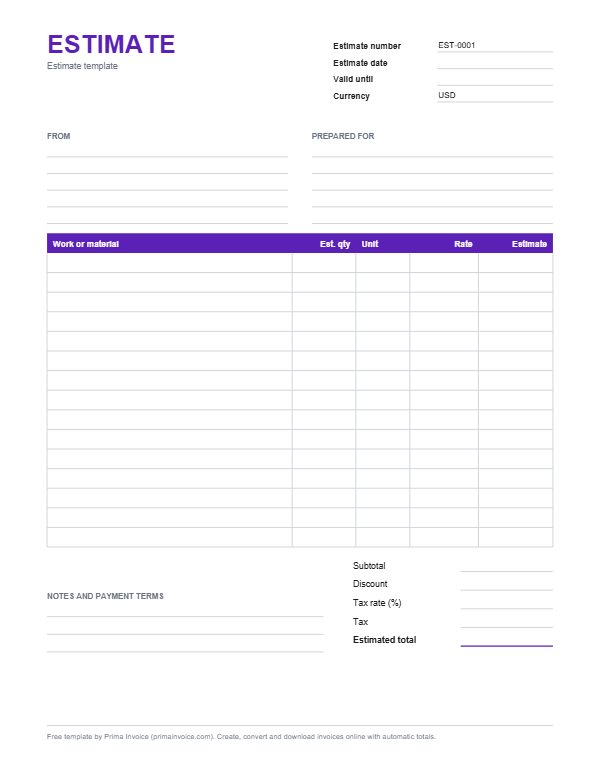
Free Estimate Template
Cost forecast with labour, materials, allowances, assumptions and a may-change note, convertible into an invoice.
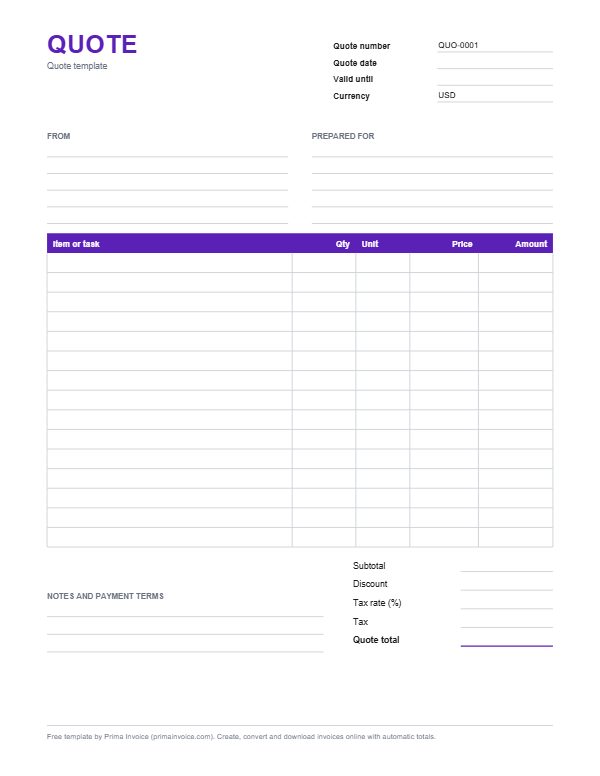
Free Quote Template
Fixed-price quotation with scope, line items, valid-until date and acceptance terms, convertible into an invoice.
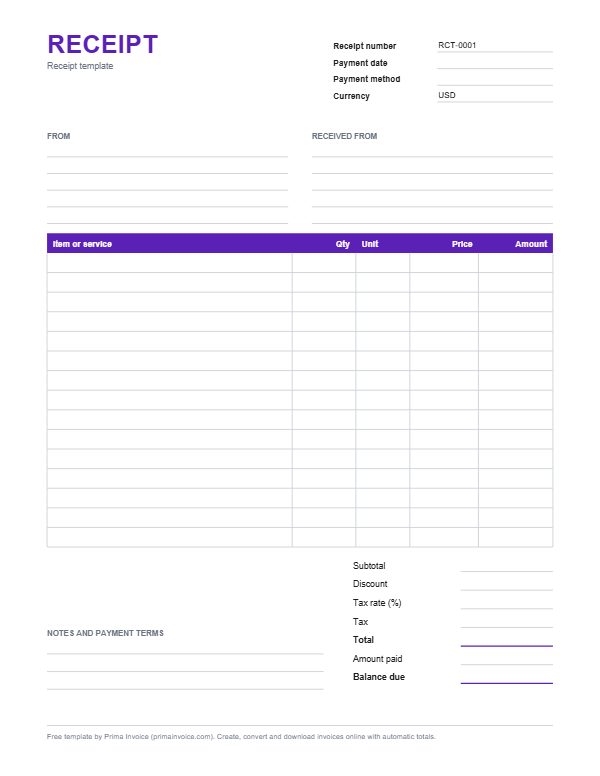
Free Receipt Template
Proof-of-payment template with payment date, method, items, amount paid and balance, in Word, Excel and PDF.
Invoice templates by profession
Each one starts with at least six line items typical of the trade, the columns that trade usually needs, and practical advice for billing that kind of work.
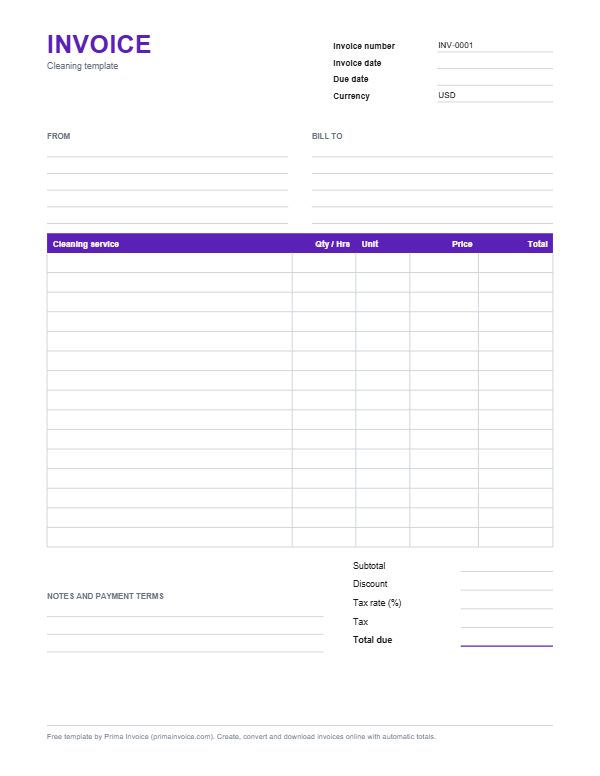
Cleaning Invoice Template
Invoice for house, apartment, office and end-of-tenancy cleans, with room, hourly, add-on and supplies lines.
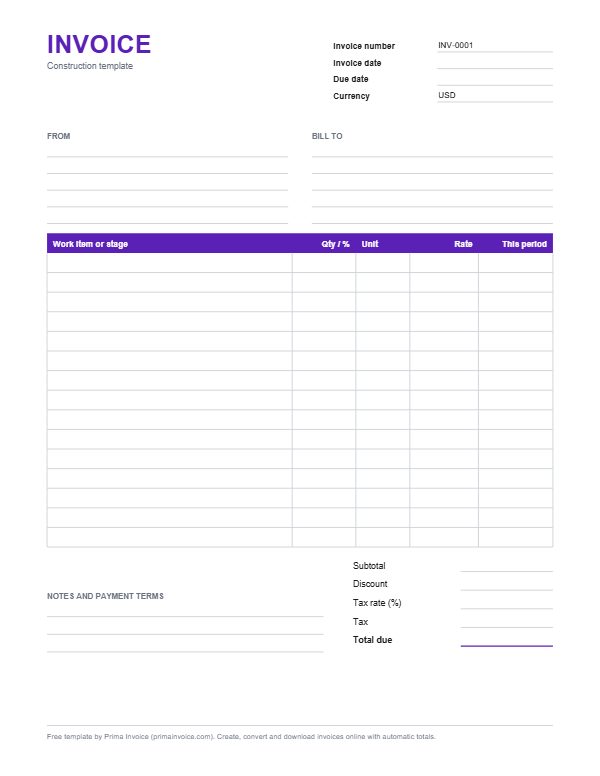
Construction Invoice Template
Progress invoice for builders and construction companies, with stage, change order, materials and retainage lines.
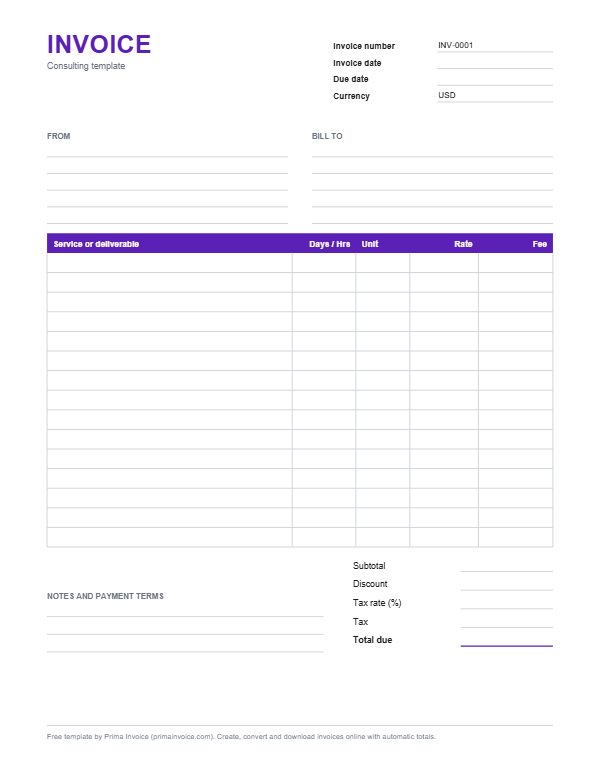
Consulting Invoice Template
Retainer, day-rate and project invoice for consultants and advisers, with workshop, report and reimbursable expense lines.
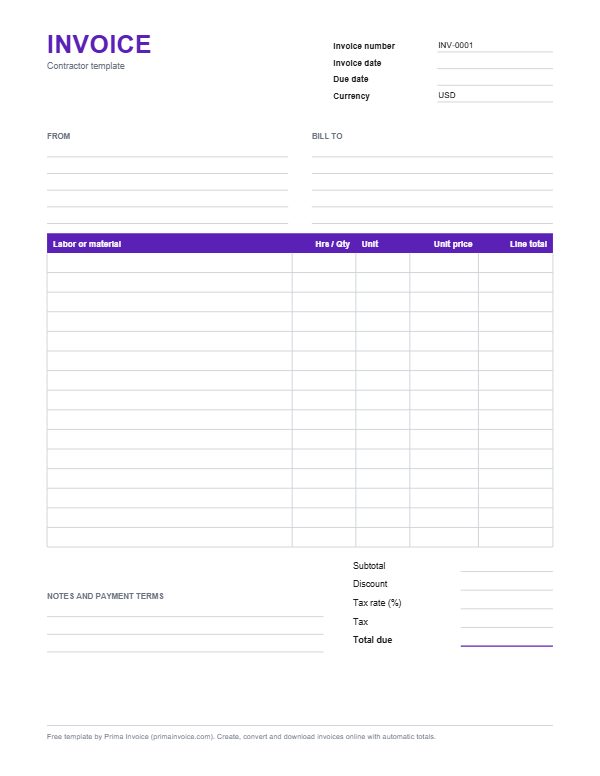
Contractor Invoice Template
Labor and materials invoice for plumbers, electricians, handymen and other trades, with call-out, parts and disposal lines.
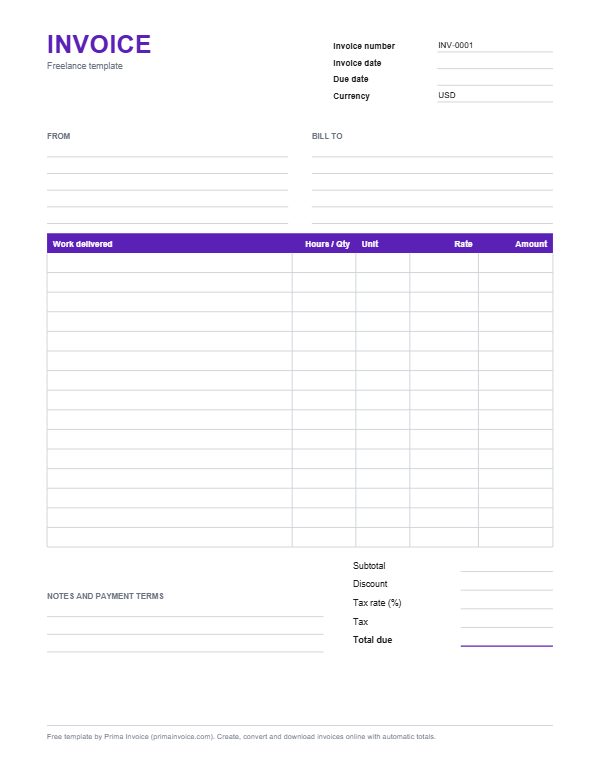
Freelance Invoice Template
Hourly and project-based invoice for freelancers, with typical lines such as discovery calls, drafts, revisions and rush fees.
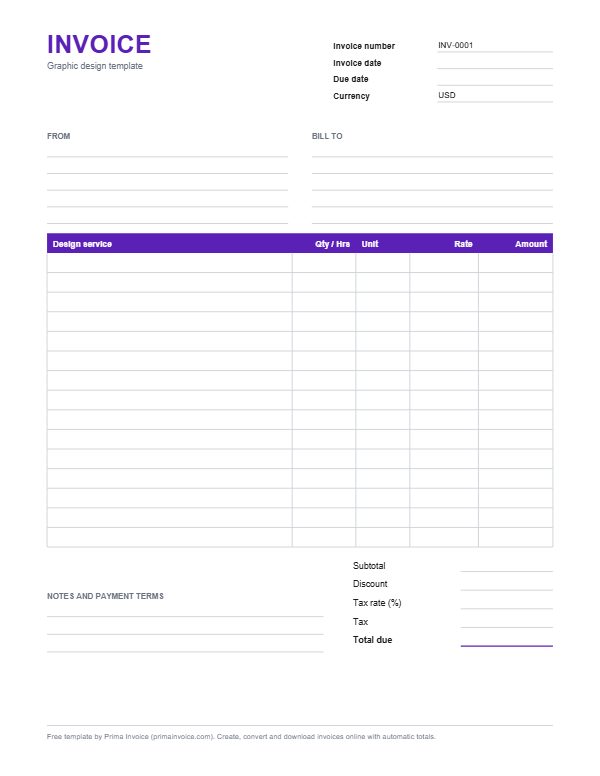
Graphic Design Invoice Template
Invoice for logo, brand and print design work, with concept, revision, artwork, licence and rush lines.
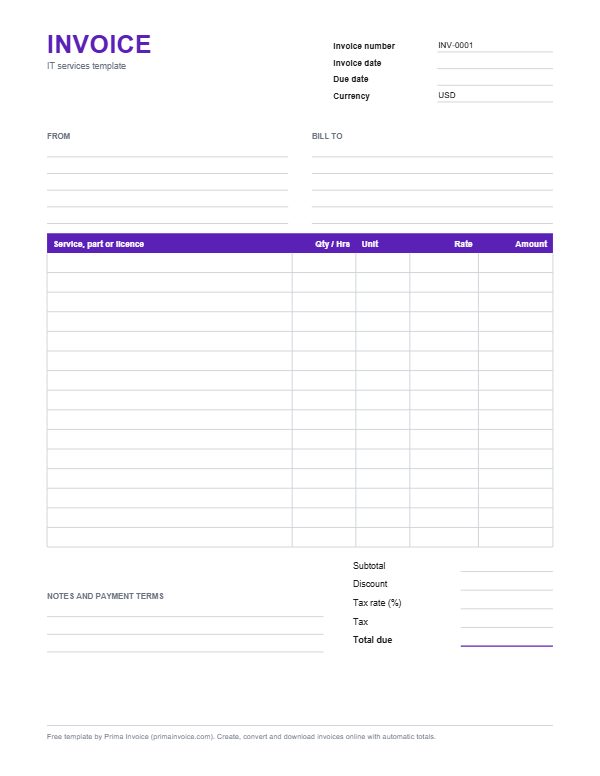
Computer Invoice Template for IT Services and Repairs
Invoice for computer repair shops, freelance technicians and managed IT providers, with diagnostics, parts, labour and support plan lines.
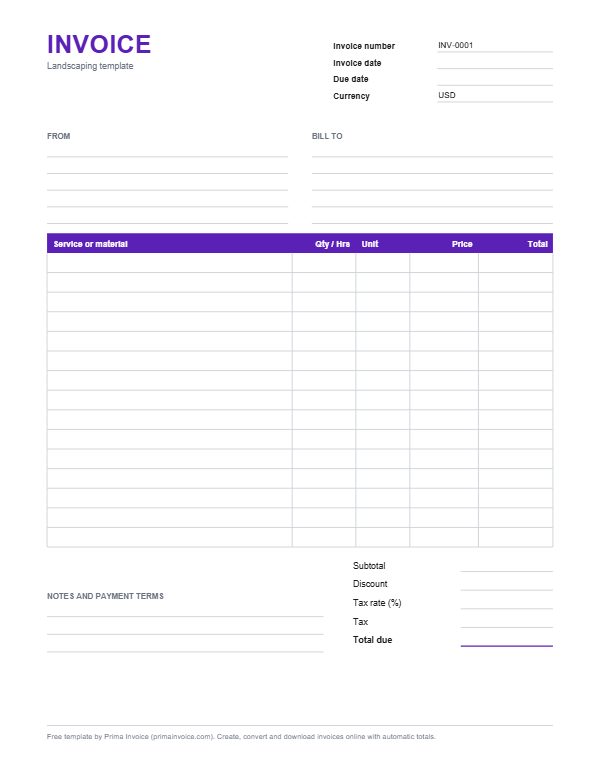
Landscaping Invoice Template
Lawn care and landscaping invoice with mowing, cleanup, mulch, planting, irrigation and green waste lines.
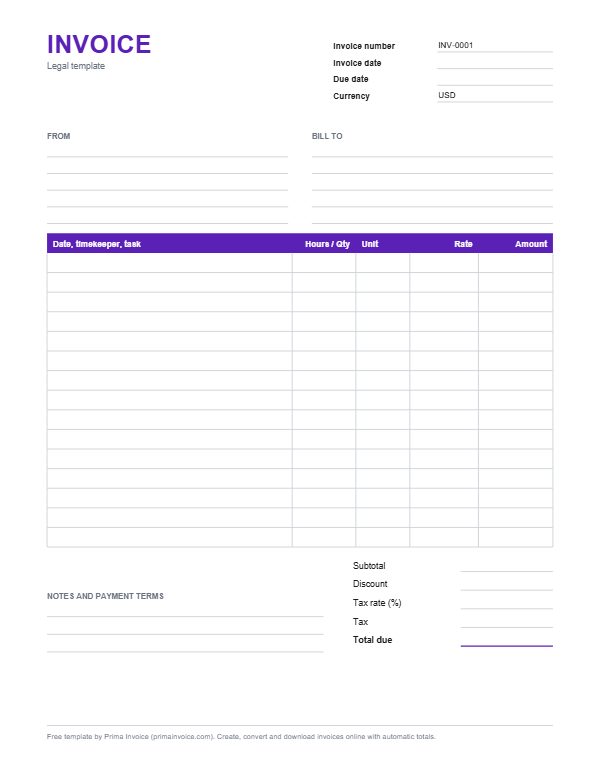
Legal Invoicing Template for Lawyers and Law Firms
Invoice for solo lawyers and small firms, with time entries by matter, flat fees, disbursements and retainer credits.
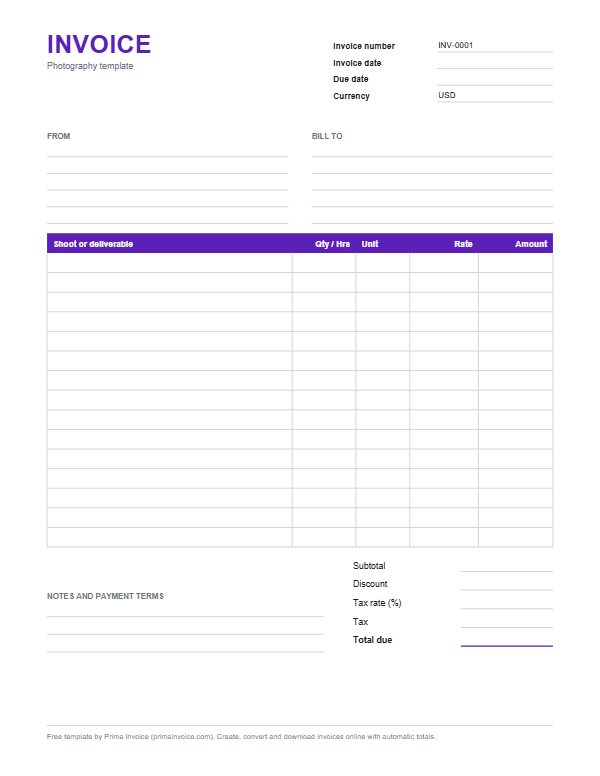
Photography Invoice Template
Invoice for portrait, event, product and commercial shoots, with session, retouching, licence, travel and print lines.
What every invoice template should include
A template only saves time if it already has a place for everything your customer and your tax office expect. The UK government's checklist is a good baseline because it is short and practical: a unique identification number, your company name, address and contact information, the name and address of the customer, a clear description of what you are charging for, the supply date, the invoice date, the amounts charged, VAT where it applies, and the total amount owed.
Every template on this page has those fields. Tax is a field you fill in yourself, with your own label such as VAT, GST or Sales Tax and your own rate, because the correct rate depends on where you and your customer are. Prima Invoice never guesses a country rate for you.
Invoices in other countries can need more, such as a tax registration number or specific wording. If you are unsure, check your local tax office before you send the first one.
Excel, Word, PDF or online: which should you use?
Excel is the best choice when you want the maths done for you in a file you keep. Our .xlsx templates use ordinary formulas for each line amount, the subtotal, the tax and the total, and they contain no macros: Microsoft documents that the .xlsx format cannot store VBA macro code at all. Google Sheets imports .xlsx files too, so the same template works there.
Word suits people who care most about layout and write a few invoices a month. Word does not add up totals by itself, so you type the amounts or work them out first.
A blank PDF is for printing and filling in by hand, which some tradespeople still prefer on site. PDF is an open ISO standard (ISO 32000), so it prints the same everywhere.
The online generator combines the strengths of all three: totals are calculated as you type in any currency, you can add your logo and a payment link, and you download a finished PDF. Nothing you type is sent to our servers.
Bill template, invoice template or receipt: what is the difference?
People search for a bill template, a billing template or an invoice template, and in everyday use they mean the same thing: a request for payment. A receipt is different. GOV.UK puts it simply: an invoice is not the same as a receipt, which is an acknowledgement of payment. You send the invoice first and the receipt once the money arrives.
Quotes and estimates come before both. A quote is a confirmed price for a defined job, while an estimate is a best guess that can change, as New Zealand's consumer protection guidance explains. Using the right document avoids arguments about what was promised.
With Prima Invoice you can start from any of these templates and convert a quote or estimate into an invoice, and an invoice into a receipt, without retyping a single line.
Frequently asked questions
Are these invoice templates really free?
Yes. Every download and the online generator are free, with no account and no trial. PDFs made in the free online generator carry a small Made with Prima Invoice link; the downloaded Word, Excel and blank PDF files can be edited however you like.
Do the Excel invoice templates calculate totals automatically?
Yes. Each line multiplies quantity by rate, and the subtotal, discount, tax and total are formulas. Type your own tax rate in the tinted cell and everything updates. The files are .xlsx, which cannot contain macros.
Can I use these templates in Google Docs or Google Sheets?
Yes. Google Sheets can import .xlsx files through File and Import, and Google Docs can open .docx files. Formatting may shift slightly, so check the layout before sending.
Which template should I use if my trade is not listed?
Start with the general invoice template or the closest trade, then rename the line items. The online generator lets you change every column value, the currency and the document type.
Do the templates include tax rates for my country?
No, on purpose. Tax rules depend on where you and your customer are and whether you are registered, so you type the tax label and rate yourself. You can add up to two taxes per document in the generator.
How do I turn a template into a PDF to send?
Open the template in the online generator, fill it in and click download PDF. If you edit the Word or Excel file instead, use Save as PDF or Export to PDF in that program.
Rather skip the template?
Open the free invoice generator, add your logo, items and tax, and download a PDF. No account needed.